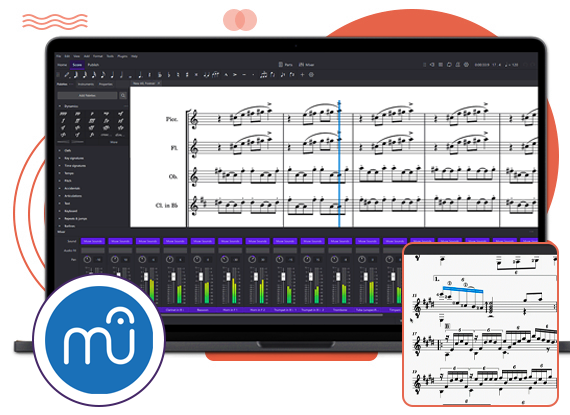
This software can create or edit scores that you find online. You can print, view, and play scores in the browser and you do not need any special plugins or software.
The website of MuseScore is a music-sharing platform. Any user can create an account for free and also upload the sheet music, share it with the world or keep it as a backup. MuseScore apps for Android and iOS connect to musescore.com and enable you to search for play, music, transpose, and see separate parts of scores.
The Features of Musescore
Some of the great features are described in our MuseScore homework help service:
Top-quality note editor: One of the reasons for the popularity of this editor is its top-quality composition interface and note editor. The templates can be free. Inserting notes with a mouse is time-consuming. With this app, you can hook up any MIDI keyboard input for music composition. You can add notes manually. It has a free version that enables you in customizing the note editor with tools such as transpose instruments, arpeggios, and a lot more.
Can be used easily: When you are a beginner, you know that using a top-end score editor is a difficult thing, however, this is not the case. a musescore editor interface is good for both professional and beginner musicians. There are basic menu options along with a note-adding capability. It means you will not face difficulty to get the right tool, which your composition needs.
Plugin access: It is open-source software. It means the WYSIWYG editor might be extended from the basic features to complicated functions. This software has an online forum with more than 2 million users. After composing the music, it can be uploaded to the social group. This will open up new opportunities for customization.
Different formats supported: You can import different file formats to the MuseScore editor. Regarding export capability, you have FLAC, MP3, OGG, WAV, and others. For scores, there are PNG, PDF, , and SVD formats.
 Australia
  UK
UK World
World





 3 Bellbridge Dr, Hoppers Crossing, Melbourne VIC 3029




